
🎯 'People Also Viewed' Section On LinkedIn - For Getting Qualified Realtor Connections
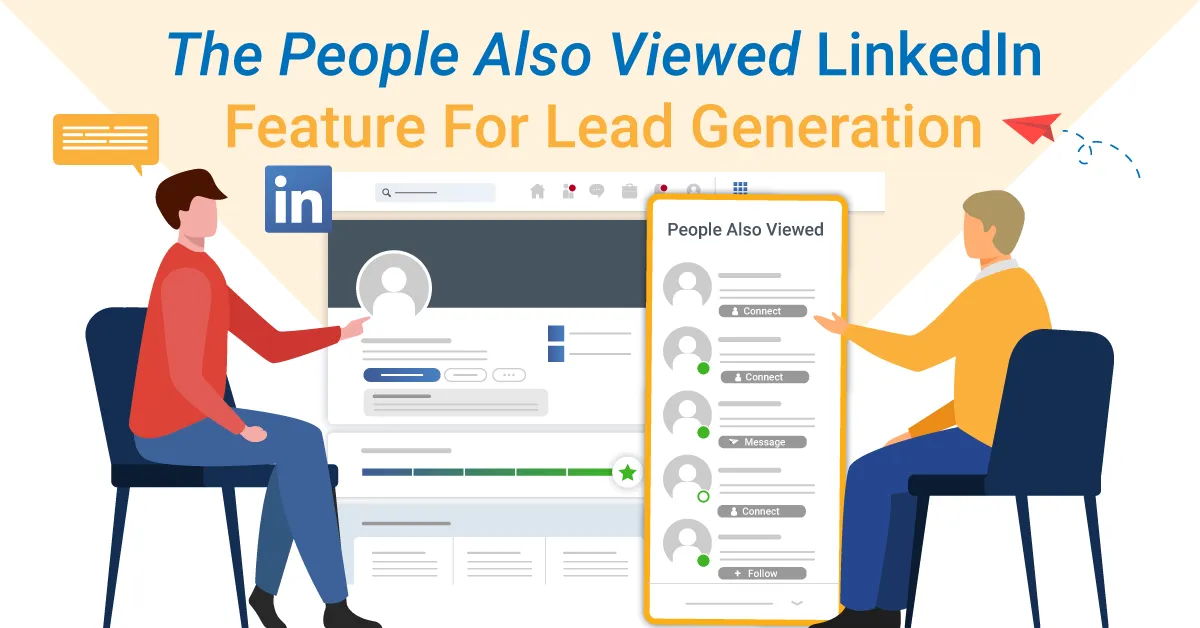
The People Also Viewed LinkedIn feature displays a list of LinkedIn members that the platform’s algorithm found important for your LinkedIn experience whether you are using them for networking, job search, or lead generation.
In this blog, we will clarify how the above-mentioned algorithm works, the main differences between People Also Viewed for LinkedIn and Sales Navigator subscribers, why you should use it for lead generation, and finally, how to do it effectively.
Where is People Also Viewed located?
The People Also Viewed LinkedIn feature is available to all LinkedIn users.
LinkedIn users
People Also Viewed is available for both LinkedIn personal and company profiles.
For personal LinkedIn profiles, People Also Viewed is visible on the right rail of your own or other people’s profiles. It shows up to 5 profiles, and if you click See More, LinkedIn will show up to additional 5 profiles.

You can also access People Also Viewed on the LinkedIn mobile app by scrolling to the bottom of either your or someone else’s profile. In the app, the platform shows up to 10 profiles straight up.

If you visit a LinkedIn company profile, Pages People Also Viewed is visible on the right rail. It shows 3 other LinkedIn company pages. By clicking on See all similar pages, you’ll get a list of up to 10 companies.

You can also access Pages People Also Viewed on the LinkedIn mobile app by scrolling to the bottom of a specific LinkedIn company page. The principle is the same. The app will show 3 company pages and give you the option of seeing up to 10.
This is what the mobile app view looks for company pages.

Sales Navigator subscribers
For Sales Navigator subscribers, the View Similar option, available only for LinkedIn company profiles, matches the People Also Viewed LinkedIn feature.
From the Sales Navigator search results section, choose the company whose attributes you would like to find in other companies. Click on the three dots, and choose View Similar.

It will take you to that company’s LinkedIn page, to the People Also Viewed section.

There’s no such option for Sales Navigator personal profiles, that is, for leads.
That implies that Sales Navigator subscribers should rely mostly on their LinkedIn profiles when it comes to People Also Viewed.
If you have Sales Navigator, you could check out your LinkedIn profile and see what profiles and companies the algorithm suggests. Then, if you are particularly interested in some, open their Sales Navigator pages for detailed business insights.
People Also Viewed LinkedIn Feature: How It Works
The People Also Viewed LinkedIn feature lies in a straightforward analysis of the habits of other LinkedIn members while not revealing any member’s browsing history, including your own.
Therefore, it doesn’t necessarily mean that you personally viewed those profiles, that they ever viewed you, or that you have any relationship with them, although you might.
The People Also Viewed LinkedIn feature is based on co-occurences. When two things happen together, it often indicates some degree of similarity. There are a variety of scenarios that could demonstrate the co-occurrence.
For example, if one LinkedIn member checks out two, three, or four people it indicates that these profiles have something in common. If one LinkedIn member applies for two jobs, it means that that member has something that is relevant for both jobs. If several LinkedIn members are applying for the same position, it means that these members share something that is relevant to that job. You get the gist.
At the same time, People Also Viewed significantly increases the likelihood of your profile being discovered and viewed by other members. That’s why it is important to fully optimize your LinkedIn profile. Not only will you come up in search results more often and higher up, but LinkedIn will be able to suggest your profile to other members with more accuracy.
People Also Viewed VS People You May Know
Many LinkedIn users wonder what the difference is between People Also Viewed and People You May Know.
People Also Viewed gives suggestions based on the analysis of the search habits of other LinkedIn members.
The People You May Know feature suggests LinkedIn members to connect with based on commonalities between you and other LinkedIn members, as well as between you and the contacts you’ve imported from your email and mobile address books. You may have shared connections, have similar profile information and experiences, work at the same company or industry, or may have attended the same school.
How To Use People Also Viewed on LinkedIn For Lead Generation
As mentioned above, taking into consideration the way the algorithm behind the People Also Viewed LinkedIn feature works, this feature turns out to be very useful for lead generation.
Once you set up your filters in such a way that the search engine brings back ideal leads, your Buyer Personas, go to their profiles one by one and see what other members the platform suggests in the People Also Viewed section.
The LinkedIn algorithm shows other members found relevant based on a series of factors such as – if they work in the same or similar industries, hold the same or similar positions, shared interests, etc.
You can do the same for LinkedIn company profiles. Find companies that match your Ideal Customer Profile. Then, “replicate” them by going to see what other companies people viewed.
The most effective way and least time-consuming way to outreach all those people is to manually choose and insert them into a CSV file.
To make a campaign in WA-App, your CSV file must contain columns named profileUrl or email, or both. In this case, you will have your leads’ LinkedIn profile URLs only. Don’t worry, the WA-App can find and verify their email addresses for you should you need it at some point. Other columns are optional.

Creating a campaign in WA-App is easy as one-two-three. Literally.
One – Create a new campaign in the WA-App. Give your campaign a name on the left, and then import your CSV file containing your leads’ LinkedIn URLs. Click Next.

Two – Choose among campaign options for a more precise outreach and advanced tracking of your leads’ behaviour.
Three – Make your Smart Sequence. Click Start to let Skylead get to your leads in the shortest time and way possible.

Summary
The People Also Viewed LinkedIn feature gives you an accurate insight into other LinkedIn profiles with the same or similar characteristics as your target leads and companies.
At first, it seems like a side LinkedIn feature. However, it can turn into a powerful tool to generate qualified leads for your business fast and without additional filtering efforts.
Our amazing superstar support team will be at your disposal during the trial. You can reach out and ask for help or advice on making the most out of the WA-App.


Marketing Company for Mortgage Brokers, Loan Originators & Account Executives
Quick Links
Follow Us On Social Media:


© 2026 WA Marketing Solutions. All Rights Reserved